You can change or reset your password from the official Acustica Audio website at any time. The log-in credentials are managed by both the website and Aquarius Desktop application (ADA) via a single sign-on (SSO) service.
Password Security NotiUse a unique password that you do not reuse on other services. We also recommend using a trusted password manager to create and store strong passwords securely, and never sharing your password with anyone.
If your password works correctly on the website but not on Aquarius Desktop application (ADA), it may contain special characters that Aquarius Desktop application (ADA) does not support. In that case, we recommend setting a password that does not contain such characters.
Password change or reset procedure:
- Visit https://www.acustica-audio.com/ and log in to your account.
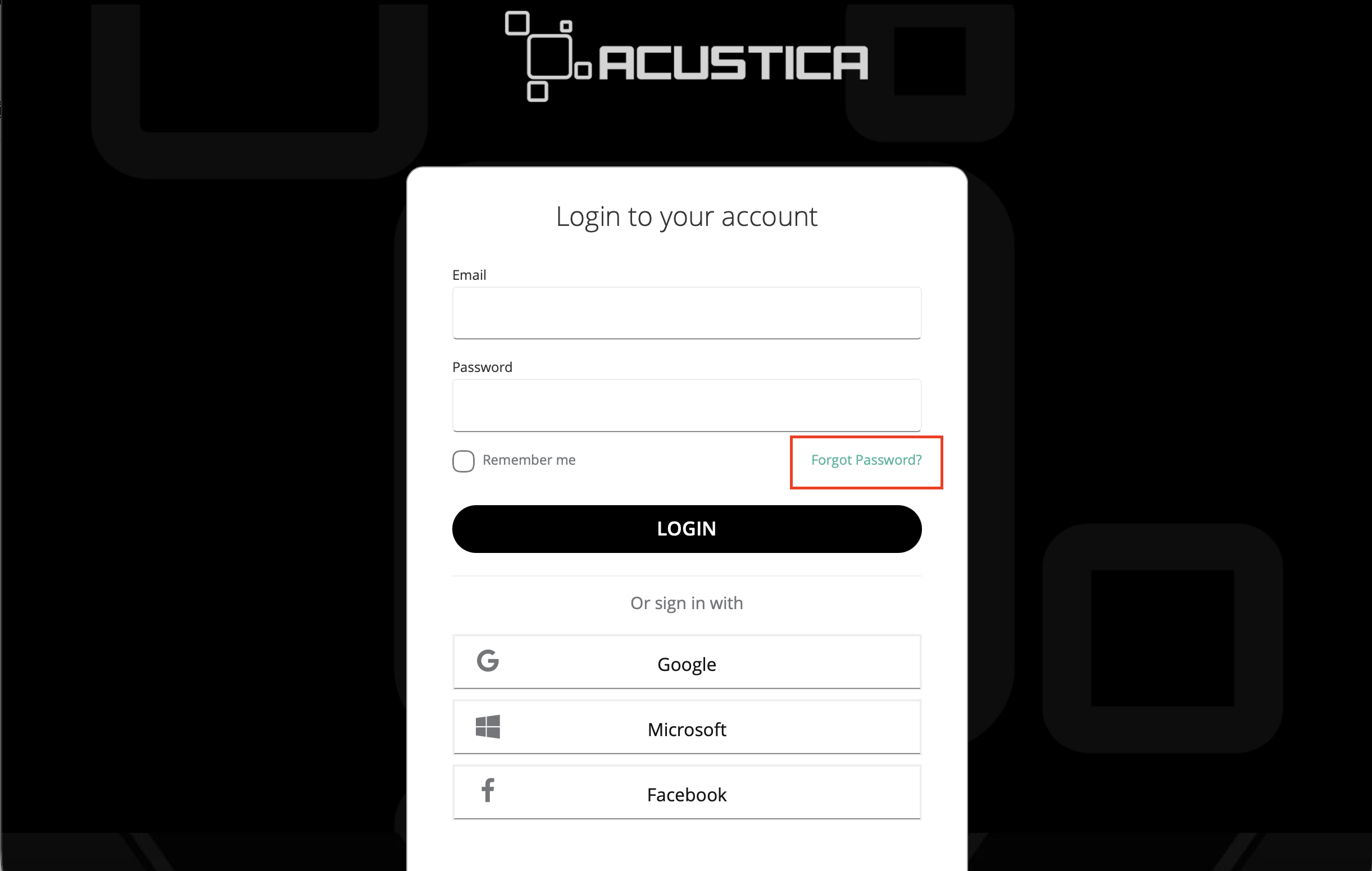
- Click the human-shaped icon in the top-right corner to access the login section
- Click on the “forgot password” link or click here.
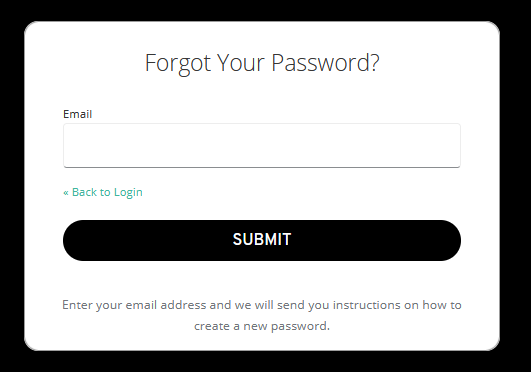
- Enter the email address associated with your Acustica Audio account.
- Check your email inbox and follow the instructions in the reset (change) email to set a new password.
The Acustica Audio single point of contact (SPOC) is the Acustica Audio help-desk portal. In order to access to Audio help-desk portal go to the Acustica Audio website and then to the support section. We do not provide help, assistance, or support via social networks, public forums, or through our email accounts.
Was this article helpful?
That’s Great!
Thank you for your feedback
Sorry! We couldn't be helpful
Thank you for your feedback
Feedback sent
We appreciate your effort and will try to fix the article